






Account management
How to order and receive your water
Order water
You can order water online or sign up for the Recurring Order Program on the SRP Water app.
You can also order over the phone by calling the SRP Water Contact Center at (602) 236-3333.

Check your schedule
Once you've set up your account and have ordered water, you'll need to learn about your irrigation schedule. Find it in to your account online or the SRP Water app.
Water can be ordered in five-minute increments up to your maximum allocation, which is determined by your property's acreage and water rights. The length of time most frequently ordered in the past can help you determine how much water to order.
SRP Water app
Easily manage your flood irrigation deliveries from anywhere. With the SRP Water app, you can:
Most popular app features:
- View schedules and deadlines: Get a snapshot of your water delivery schedule, neighborhood schedule and important delivery deadlines.
- Manage water orders: Order water, view or change your water order, or sign up for the recurring order program.
- Manage your bill: View your annual statements and balance, manage payment information and make payments quickly and securely.
- Make cash payments: Access your barcode to make cash payments at participating retail locations.
Get started today: Use your SRP My Account credentials to log in to the SRP Water app. Don’t have SRP My Account? You can sign up directly through the app.
The SRP Water app was updated in October 2024 to improve performance and make managing your account easier and more intuitive. Upgrade to the latest version by March 2025 to continue managing your account from the app.


How to prepare for delivery
Follow these steps to ensure a smooth water delivery day:
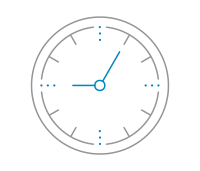
Step 1
About 30 minutes before your water is scheduled to arrive, look around your neighborhood and check all irrigation structures to make sure the gates are set properly and are ready for water.
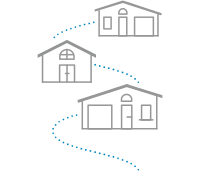
Step 2
Check in with your neighbor who is running ahead of you to make sure everything is on schedule.
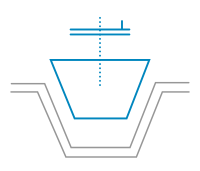
Step 3
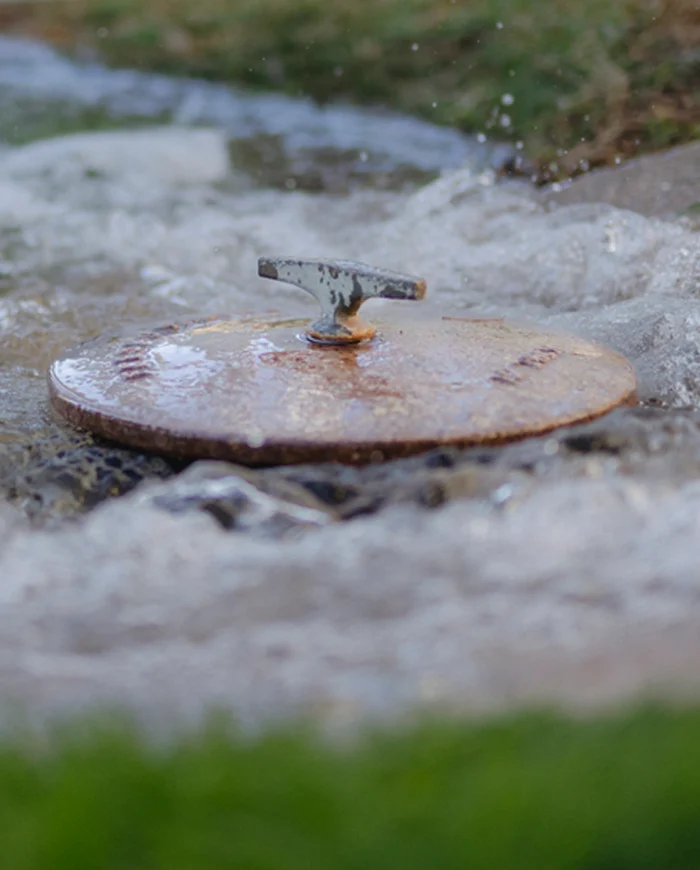
At your scheduled time, open your yard valve or port cover in your ditch.
Step 4
When your time is almost up, let your neighbor who is next in line know.
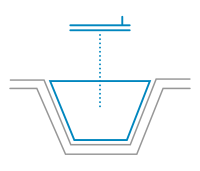
Step 5
At the end of your scheduled time, make sure to close your valve or replace the port cover in your ditch.
Valuable customer support tools
Access and manage your SRP account from anywhere, whether you're out of town or on the go.
Residential
For a private neighborhood irrigation system map, go to the My subdivision tab, under the Subdivision details you will select the View map button.
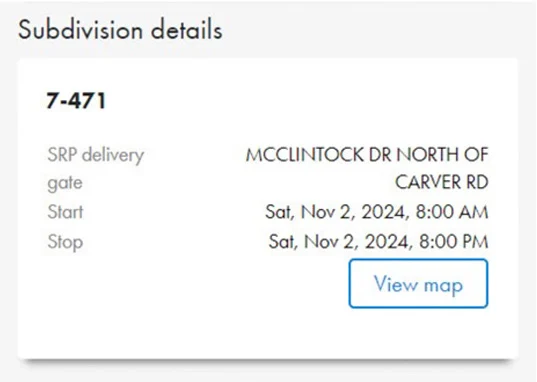
Note: The equipment, pipelines, ditches, property lines, etc. represented may be inaccurate, out-of-date or non-existent. Private neighborhood irrigation systems are typically not installed or maintained by SRP and therefore, neighbors or contractors hired to install or work on them may have more accurate and up-to-date information than what is shown.
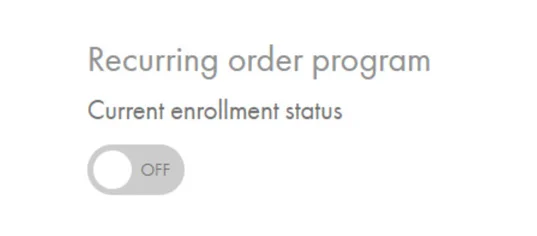
If you’d like, a recurring order with a set amount of time can be automatically scheduled for your property during every regular water delivery scheduled for your subdivision. To enroll, simply select the Order water tab, turn the Recurring order program toggle button to ON and fill in the duration information.
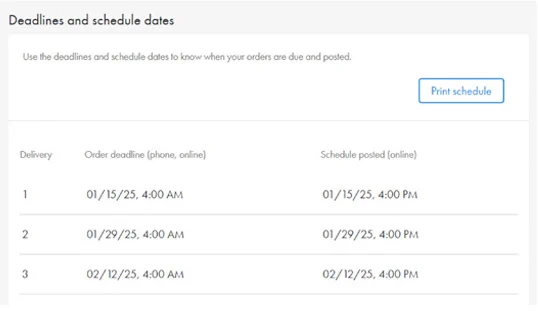
Use the deadlines and schedule dates to know when your orders are due and posted. To print these dates for quick reference, go to the Important dates tab, select Print schedule.
Do you have family members, friends or neighbors that help manage your irrigation account? Keep everyone informed with helpful alerts through your SRP My Account such as Water delivery schedule, Order reminders, Billing and Newsletters. To review, go to My Profile & Settings and select the Contact info & alerts tab.
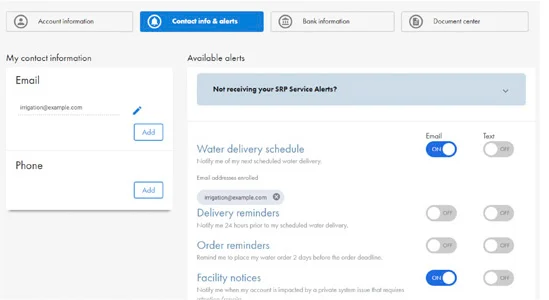
Not receiving your SRP Service Alerts?
For Water delivery schedule, Order reminders, Billing and Newsletters, send texts to 777797
- For Delivery reminders, One hour reminders, and Facility notice alerts, send texts to 23941
- Text START to enable text alerts or text STOP to remove text alerts
- Text HELP for more information
Only US mobile numbers are eligible to receive SRP text alerts. Message and data rates may apply
Neighborhood resources and communications are available to you in the Document Center.
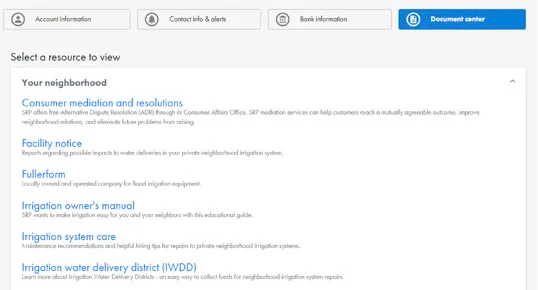
Find important information such as:
Facility notice: Reports regarding possible impacts to water deliveries in your private neighborhood irrigation system.
Irrigation owner's manual: SRP wants to make irrigation easy for you and your neighbors with this educational guide./p>
Alert history: SRP offers customers a variety of account specific information delivered electronically in the form of text or email. View alert history for your account here.
Irrigation basic fees and charges: Explanation of irrigation-related fees and charges.
Irrigation newsletters: Newsletters to keep customers informed of irrigation-related news.
Agricultural
For a private neighborhood irrigation system map, go to the My Profile & Settings tab, under Your neighborhood you will select the map link that’s available to your account.
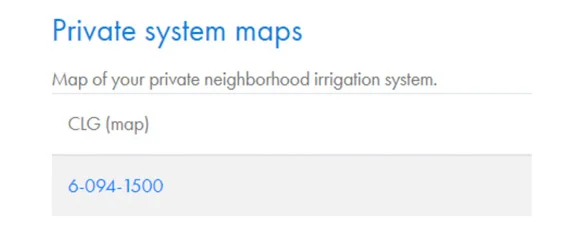
Note: The equipment, pipelines, ditches, property lines, etc. represented may be inaccurate, out-of-date or non-existent. Private neighborhood irrigation systems are typically not installed or maintained by SRP and therefore, neighbors or contractors hired to install or work on them may have more accurate and up-to-date information than what is shown.
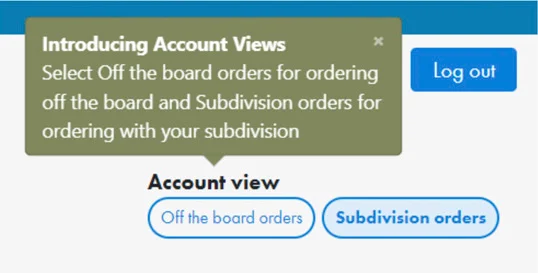
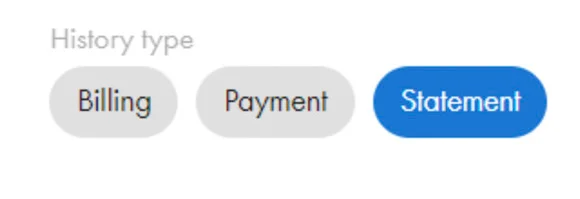
Once logged in, you can toggle between Off the board orders and Subdivision orders within any page of your SRP My Account profile. Note: The SRP Water App is not available for commercial and agricultural customers. Statements Account statements are available online. To view your statements, select the My Bill tab, navigate to the My History section and select the Statement button.
Do you have family members, friends or neighbors that help manage your irrigation account? Keep everyone informed with helpful alerts through your SRP My Account such as Water delivery schedule, Order reminders, Billing and Newsletters.
To review, go to My profile & settings and select the Contact info & alerts tab.
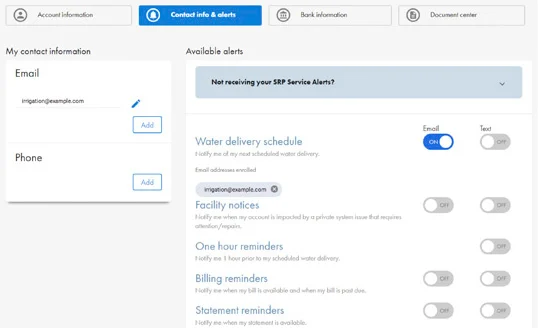
Not receiving your SRP Service Alerts?
For Water delivery schedule, Order reminders, Billing and Newsletters, send texts to 777797
- For Delivery reminders, One hour reminders, and Facility notice alerts, send texts to 23941
- Text START to enable text alerts or text STOP to remove text alerts
- Text HELP for more information
Only US mobile numbers are eligible to receive SRP text alerts. Message and data rates may apply
Neighborhood resources and communications are available to you in the Document Center.
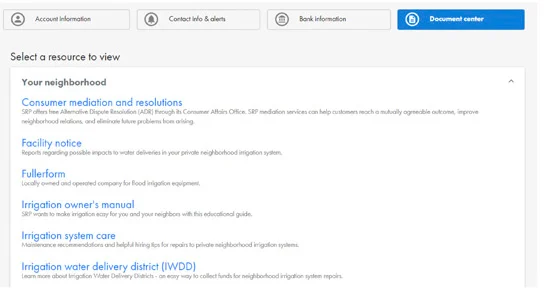
Find important information such as:
Facility notice: Reports regarding possible impacts to water deliveries in your private neighborhood irrigation system.
Irrigation owner's manual: SRP wants to make irrigation easy for you and your neighbors with this educational guide.
Alert history: SRP offers customers a variety of account specific information delivered electronically in the form of text or email. View alert history for your account here.
Irrigation basic fees and charges: Explanation of irrigation-related fees and charges.
Irrigation newsletters: Newsletters to keep customers informed of irrigation-related news.
Irrigation owner’s manuals
For more helpful information about how SRP irrigation works, including how to order water and maintain your private system, see the Residential Irrigation Owner's Manual or the Agricultural Irrigation Owner's Manual.

Stop or cancel
To cancel a single water order, log in to SRP My Account and click the “Skip next delivery” button.
To permanently cancel your irrigation service, call SRP at (602) 236-3333.
How Water is scheduled
FAQ
Yes, during our yearly winter dry-up season. We use that time to maintain and repair our canals. The Consolidated Canal Dry-Up and Maintenance Project runs from late November to late December and from early January to early February depending on location.
Order only when you need it and cancel any recurring orders if you are going to be out of town. Otherwise, you will need someone like a neighbor or family member to manage any water scheduled for your property. You can manage your orders and view important dates and deadlines through SRP My Account or the mobile app.
No, SRP does not operate private systems. There are more than 1,300 different systems across the Valley. Each one is unique and requires special attention, so we stick with getting you the amount of water your property is entitled to on time. If you would like to hire someone to irrigate for you, use our tips to help you ask the right questions and hire the right professional to meet your needs.
SRP runs water 24 hours a day, seven days a week, to many different customers with many different schedules. We try to be fair to everyone by rotating start times throughout the year.
RELATED TOPICS
Irrigation resources | SRP
Find everything you need to successfully manage your neighborhood irrigation system.
Pay your irrigation bill | SRP
Find all the info you need to pay your irrigation bill online, over the phone or in person.
Irrigation Maintenance System and Repair | SRP
A well-maintained irrigation system is an asset to your neighborhood. Find information to help you and your neighbors keep it in working order.


