






How to save on time-of-day price plans
What are time-of-day price plans?
At certain times of the day, many people and businesses in the Valley are using energy at the same time, which puts pressure on the power grid. SRP’s time-of-day plans offer price breaks for customers who can shift energy use outside of those high-demand, or “on-peak,” hours. That’s a win for the power grid and your wallet.
SRP offers multiple time-of-day price plans, so you can create a schedule that works for you and lowers your energy costs.
How it works
Save money when you shift your energy use outside of on-peak hours, Monday through Friday. You’ll get lower energy prices during off-peak hours and super off-peak hours, plus weekends and holidays, all year long.
| Price plan | Peak hours (weekdays) |
| Conserve 6–9 p.m. and Save | 6 to 9 p.m. (Year-round) Super off-peak hours 8 a.m. to 3 p.m. every day All other hours (off-peak) |
| Manage Demand 5–10 p.m. and Save | 5 to 10 p.m. (Year-round) Super off-peak hours 8 a.m. to 3 p.m. every day All other hours (off-peak) |
| EZ-3 *Unavailable to new customers as of Nov. 1, 2025 | 3 to 6 p.m. or 4 to 7 p.m. |
| Time-of-use *Unavailable to new customers as of Nov. 1, 2025 | 2 to 8 p.m. (May to October) 5 to 9 a.m. and 5 to 9 p.m. (November to April) |
| Electric Vehicle *Unavailable to new customers as of Nov. 1, 2025 | 2 to 8 p.m. (May to October) 5 to 9 a.m. and 5 to 9 p.m. (November to April) Charge your EV at super off-peak hours and save even more (11 p.m. to 5 a.m.). |
To see what plan you’re on, check your bill or visit SRP My Account™. You can also switch to a time-of-day plan by visiting My Account.

Off-peak holidays
If you are on an SRP Time-of-Day price plan — Manage Demand 5–10 p.m. and Save, Conserve 6–9 p.m. and Save, EZ-3*, Time-of-Use* or Electric Vehicle* — you will enjoy off-peak pricing on the following holidays:
- New Year's Day
- Memorial Day
- Independence Day
- Labor Day
- Thanksgiving Day
- Christmas Day
Easiest way to save: Precool before on-peak hours
Nearly half of the energy used in your home goes to heating and cooling.* To save big, install a programmable or smart thermostat and precool your home before on-peak hours begin.
- Three hours before on-peak hours begin, set the thermostat to three degrees below your preferred temperature.
- When on-peak hours begin, set the thermostat to three degrees above your preferred temperature to keep the air conditioner from running too much.
- When on-peak hours end, set the thermostat back to your preferred setting.
Some homes may require more time to precool/return to preferred settings. Adjust the temperature and timing based on your home’s size, age and building materials and your comfort level. Some smart thermostats learn your schedule and are programmed automatically. You may need to turn off this feature to precool.
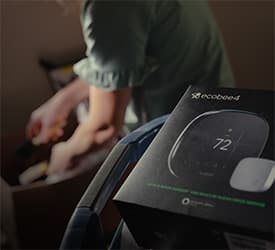
Install a smart thermostat to make precooling easy
With a smart thermostat, you can set a schedule to adjust the temperature automatically. You can also adjust the temperature anytime, from anywhere, using your smartphone.
Save on a smart thermostat when you shop the SRP Marketplace™.
(Be on the lookout for sales and rebate offers throughout the year!)

More ways to save energy during peak hours
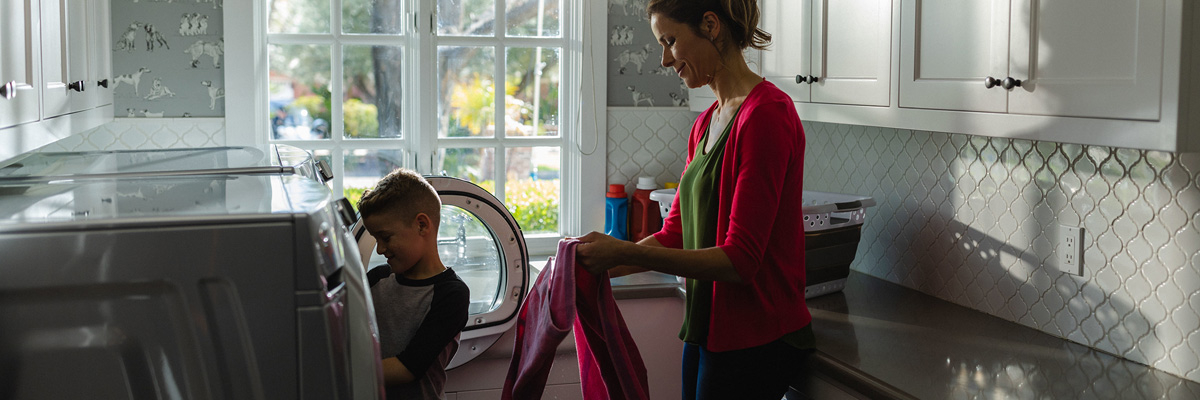
Save on your time-of-day plan by shifting what time of the day you use major appliances. Plan to use these appliances during off-peak hours:
Pool Pump
Electric Oven
Dishwasher
Washing Machine and Electric Dryer
Electric or Heat Pump Water Heater

Electric Vehicle
Air Conditioner

Delayed Start Button
Most computers use a lot less energy than other major appliances, so if you're worried about computer usage influencing your TOD savings, don't be. You can still save on a TOD price plan when working from home.
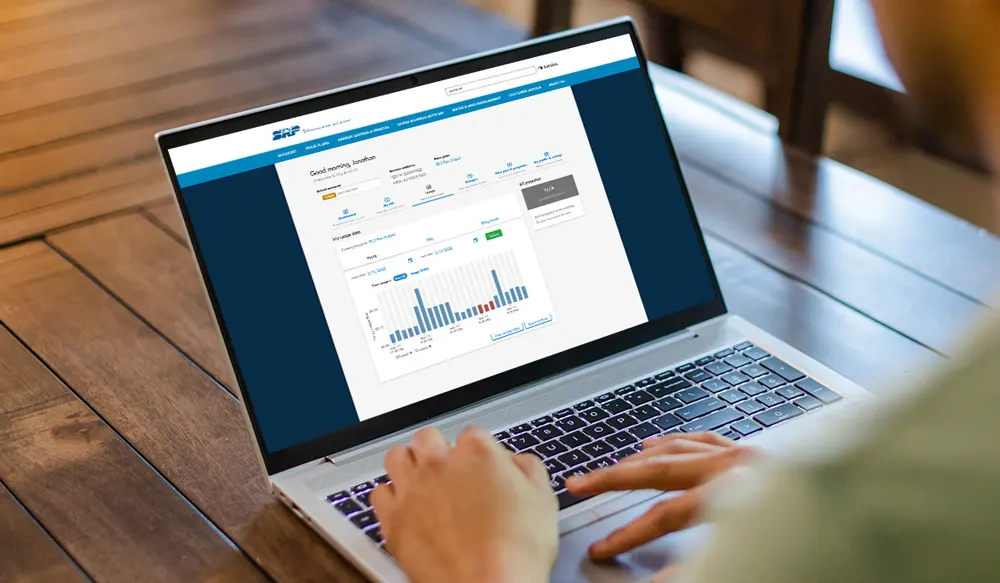
Visit SRP My Account
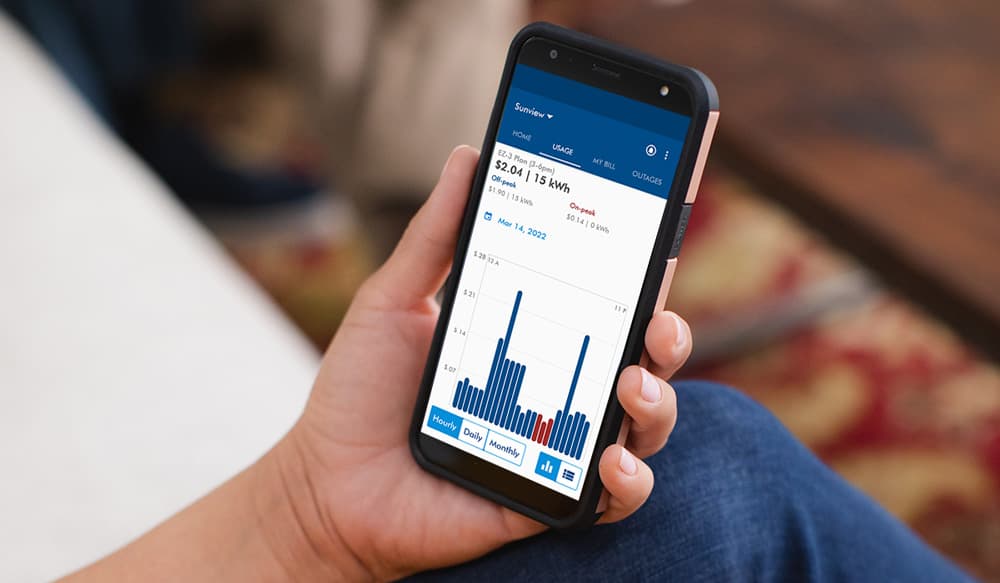
Download the SRP Power App™
Changing your price plan
Try the Conserve 6-9 p.m. and Save or Manage Demand 5-10 p.m. and Save price plan with a 90-day guarantee. If your first three bills aren’t lower than what they would have been on your current plan, contact SRP customer service. We will credit your bill the difference and return you to your current plan.
Questions? Call (602) 236-8888. We’re here to help 24/7.
FAQ
You can lower your SRP bill by shifting your energy use to off-peak hours through time-of-day plans such as the Time-of-Use or the SRP EZ-3 Price Plan™, using appliances like dishwashers and pool pumps outside of peak periods and precooling your home before higher-rate times. Customers can also take advantage of a free SRP Home Energy Assessment™ with tips and products to save energy, plus SRP Budget Billing™ to make payments more predictable. Customers who meet income guidelines can enroll in the SRP Income-Qualified Discount™ for monthly discounts or request payment plans if needed.
SRP is a community-based, not-for-profit organization that puts customers and Arizona's long-term future first. Learn more about SRP.
As a not-for-profit utility, SRP reinvests revenue into operations, infrastructure and customer programs to help keep costs low. See SRP's mission.
If you've ever wished that your electric bill stayed the same regardless of seasonal temperatures, then SRP Budget Billing™ may be a great option for you. Living in the desert comes with higher summer bills compared to winter, but with SRP Budget Billing, you're able to pay a balanced and consistent rate each month. Learn more here.
RELATED TOPICS

Smart thermostat rebates | SRP
Find out how to save on a new smart thermostat and get a rebate off your SRP bill when you join the SRP Bring Your Own Thermostat program™ (BYOT).
SRP Home Energy Audit | SRP
Making your home more energy efficient is a great way to lower your electricity bill. Find out how to save $100 on a Home Energy Audit with a contractor.
Slay vampire energy this Halloween
Vampire energy is caused by appliances that use energy even when they’re turned off. Learn how to identify and slay them to restore peace in your home.


